
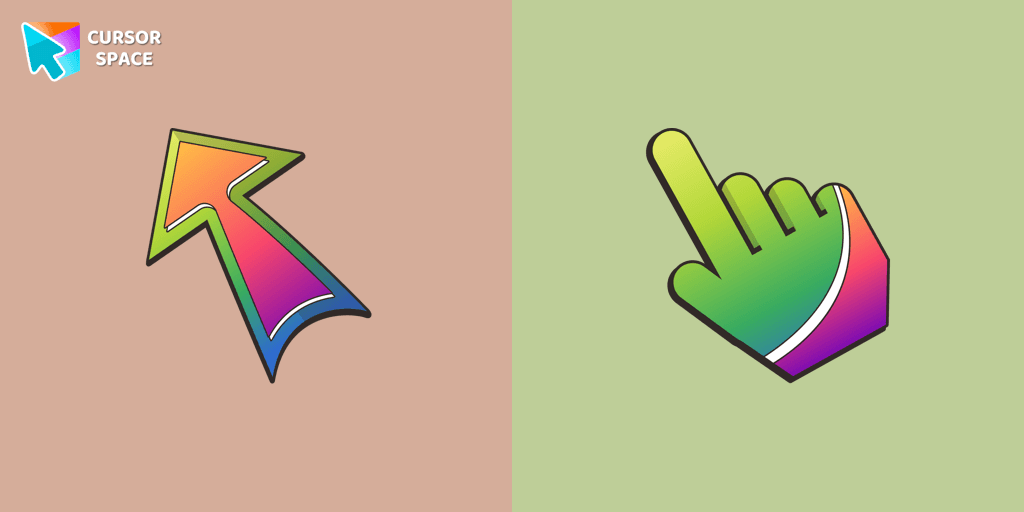
Bright cursor
163Free
Embark on a vibrant browsing journey with The Cursors for Chrome! Enhance your mood with striking custom cursors, featuring the standout "Bright" design.
Install the Cursor Space extension for Chrome or Cursor Space for Edge in your browser.
On this page, click "Add this cursor pack to the extension".
Open the extension and go to the Packs tab.
Find the custom cursor pack "Default Blue Pixel cursor" and click it.
Enjoy!
Get this cursor pack and thousands of others by installing our extension. It's fast and free!
Default Blue Pixel Cursor is a themed cursor pack you can add to your browser to personalize your pointer across common cursor states (default and pointer). Use it for everyday browsing, streaming, studying, or gaming-anywhere you want your cursor to match your vibe.
See how the cursors look before installing.
Add the pack to the extension in a few clicks.
Designed for Chrome and Edge via the extension.
Quick answers to common questions about cursor packs, collections, and installation.
Yes. To apply cursor packs in Chrome or Edge, install the Cursor Space extension and add this pack to it.
Cursor packs are designed for Chromium browsers like Chrome and Microsoft Edge.
Open the extension, choose another pack or disable the current one to return to your default cursor.
Custom cursor and packs - neon, anime, pixel art. Quickly add to Chrome and Microsoft Edge for free
Embark on a vibrant browsing journey with The Cursors for Chrome! Enhance your mood with striking custom cursors, featuring the standout "Bright" design.
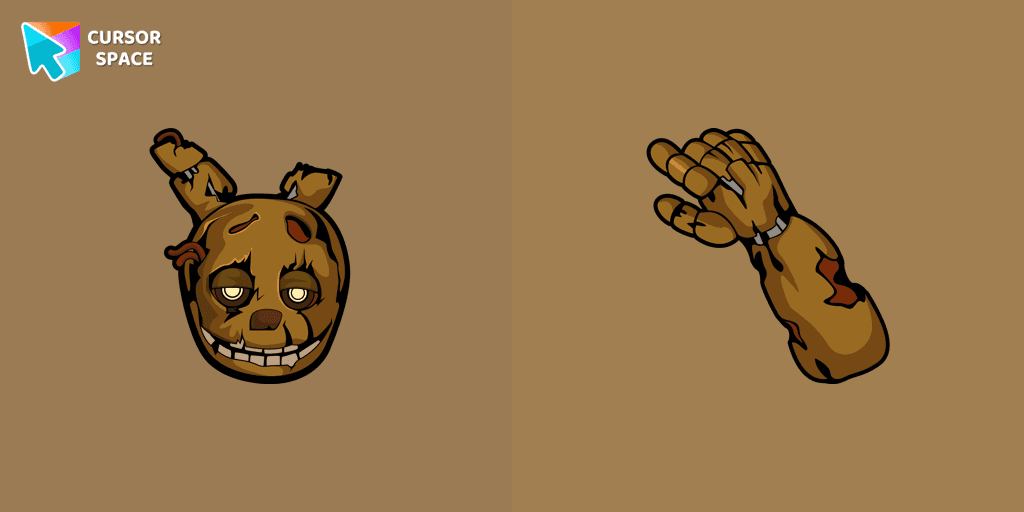
Lightly worn Springtrap from our Five Nights at Freddy's custom cursors collection for Chrome.

Juicy papaya cursor is illustrated for our Fruits Cursors custom cursors collection for Chrome. Slice of papaya as a cursor for the mouse and funny papaya pointer will look pretty nice on your screen.
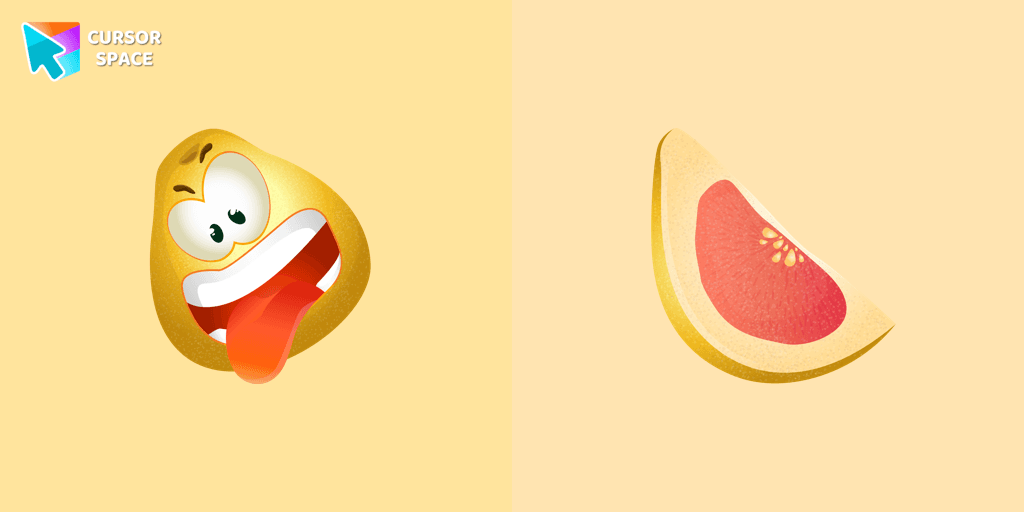
Slice of grapefruit as a cursor for the mouse and the grimacing grapefruit pointer will look pretty nice on your screen.

We are glad to present this custom cursor with Zhongli from the adorable custom cursors collection for the mouse and pointer.
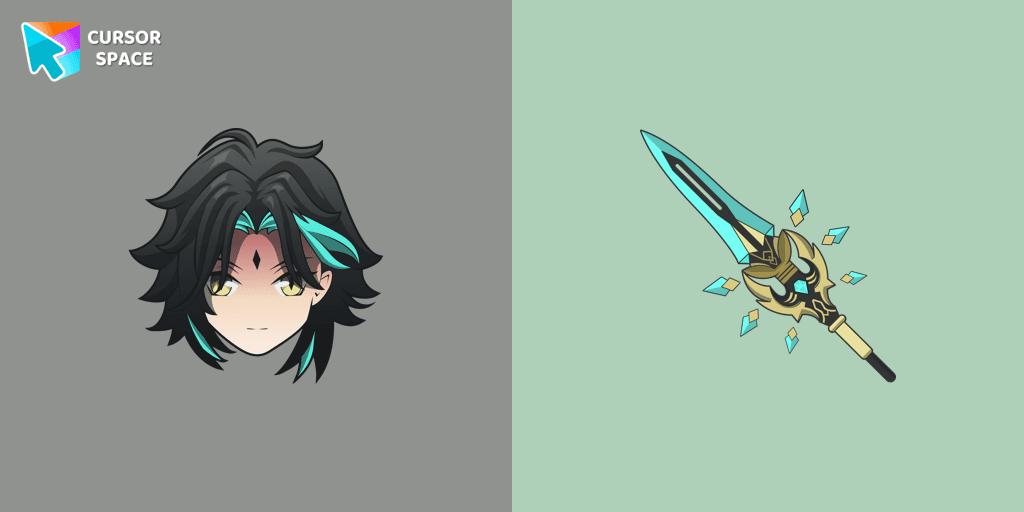
Add Xiao cursor in the collection of custom cursors with Genshin Impact for the browser.
Troll Jim Lake Jr. custom cursor from our Animation Movies cursors collection for mouse and pointer.

Transform your screen with our unique labyrinth custom cursor, perfect for adding timeless intrigue to your journey.
Sonia the Hedgehog for Chrome cursor set has a custom cursor and a pointing device.
Poké Ball as a cursor for the mouse and funny Slowking pointer will look pretty nice on your screen.
Cute Pixel custom cursors collection for Chrome gives you an opportunity to change the usual cursor to Pikachu Cursor in a cool pixel design.
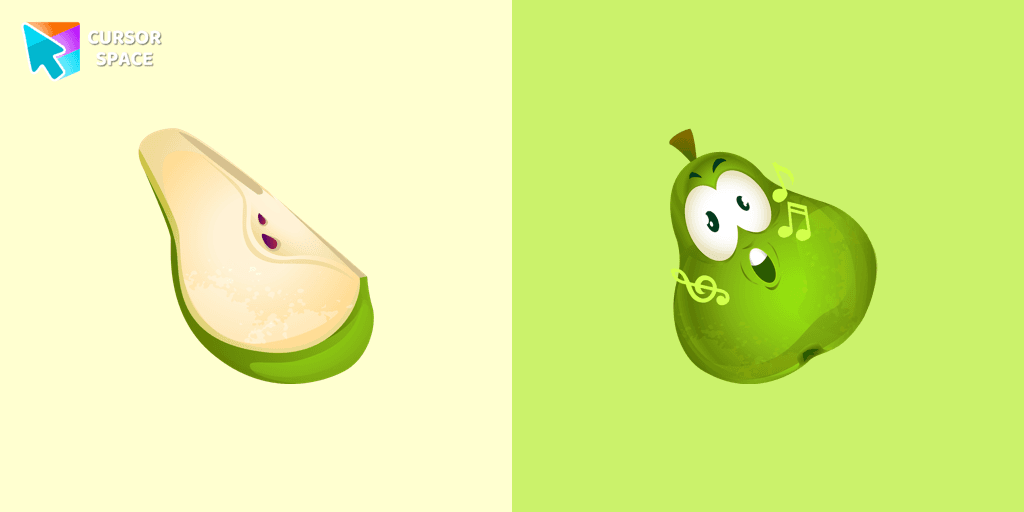
It’s a sweet and loved fruit from the Mediterranean area that pleases people by its good tasting. A cute pear cursor in musical decorations will change your default mouse cursor to a funny custom cursor and pointer.
Installation leaders from "Pixel Art": free packs, neon/anime/pixel art, quick add to Chrome and Edge.
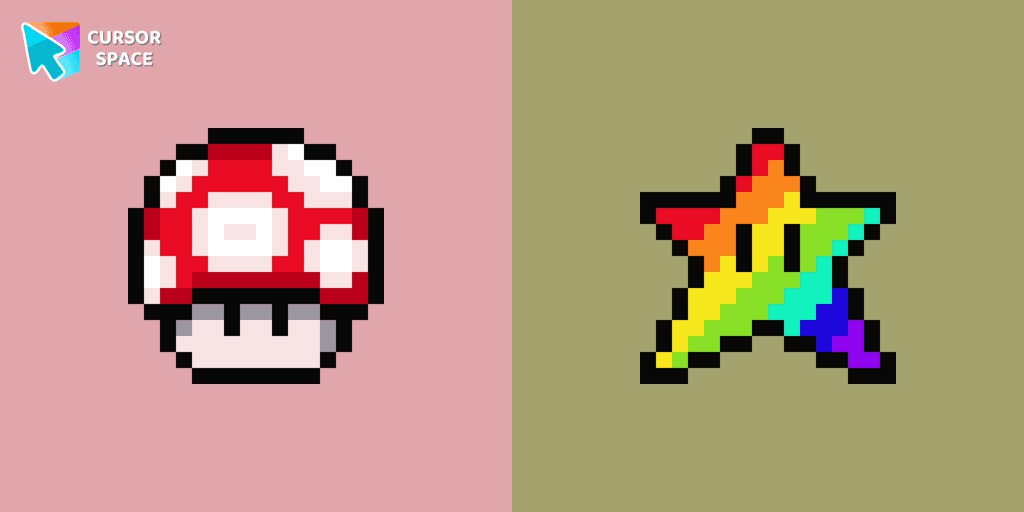
Cute custom cursor with Super Mario includes a mouse cursor in the form of super mushroom and a hover pointer with the star.
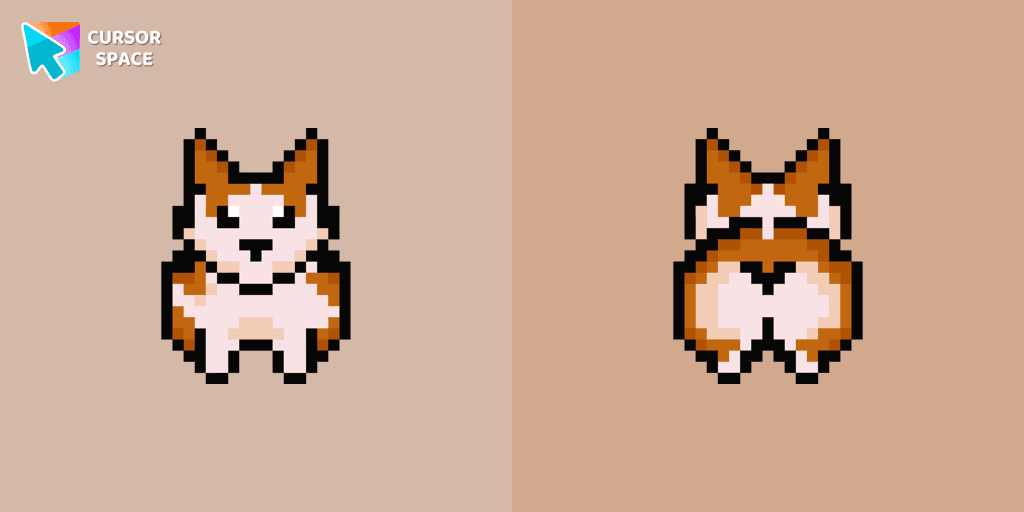
Meet the happy Corgi Pixel cursor for Chrome in a Cute Pixel custom cursors collection for mouse and pointers.

Pac-Man custom cursor from our Cute Pixel cursors collection for mouse and pointer.

Pink Pixel Cursor is a custom cursor from our custom cursors collection for Chrome.
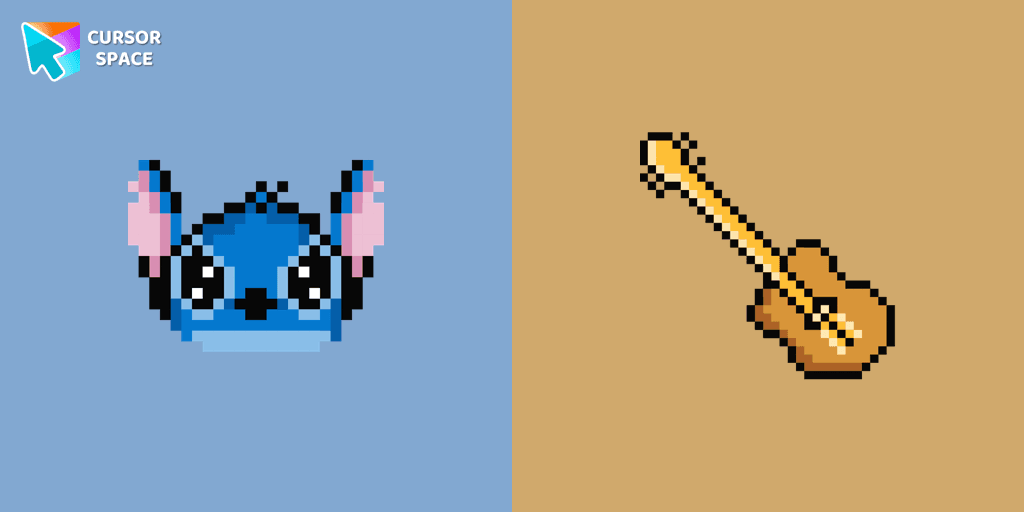
The only thing that can destroy Stitch Pixel Cursor from our custom cursors collection for Chrome is boring time on the Internet.
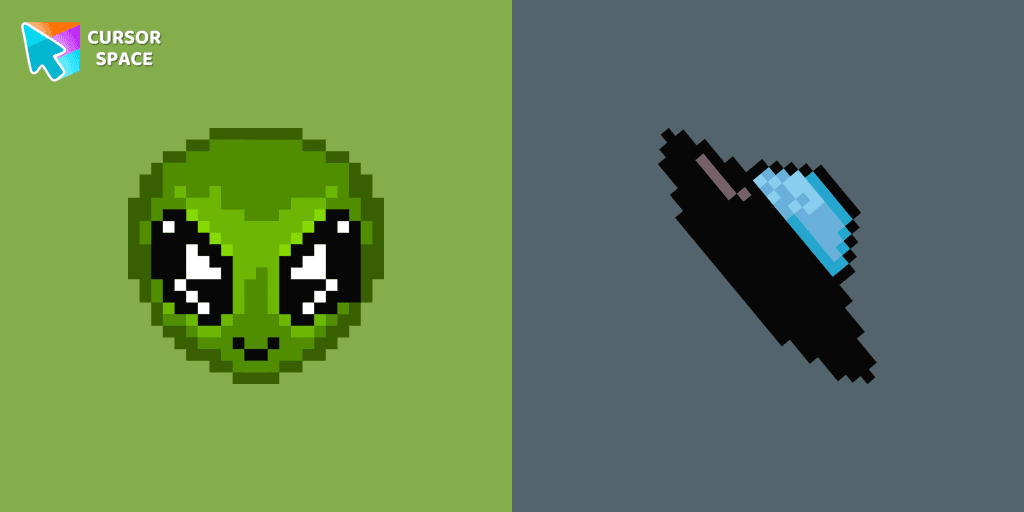
Transform your browsing with the cute custom cursor featuring an Alien Pixel design. Perfect for Chrome users and Pixel art fans
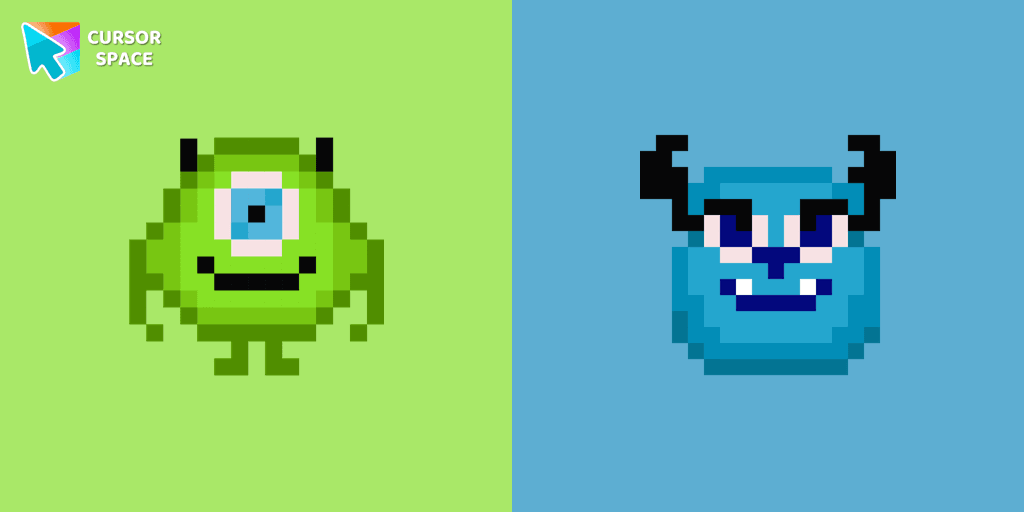
Cute custom cursor with Monsters, Inc includes a mouse cursor in the form of Mike Wazowski and a hover pointer with James P. Sullivan.
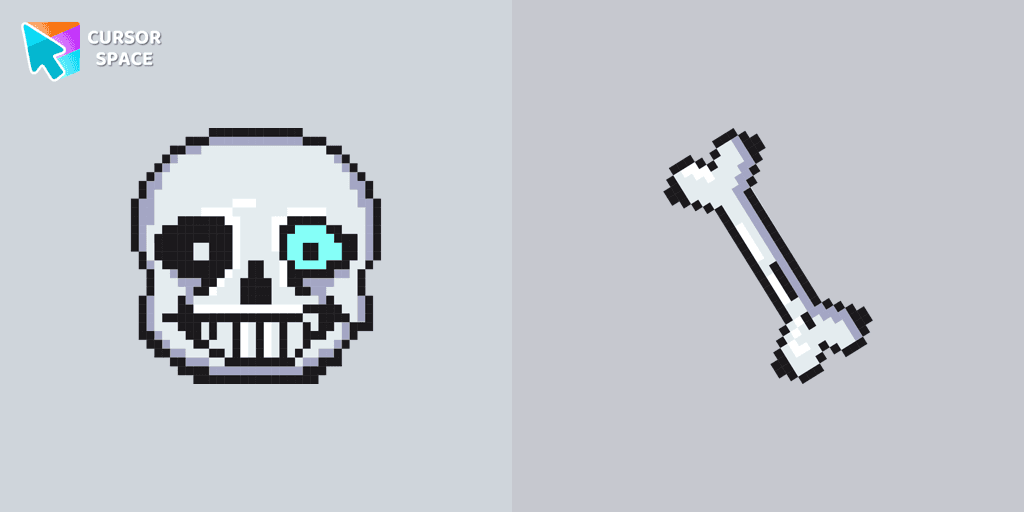
Undertale Sans Pixel Cursor from our Cute Pixel custom cursors collection for Chrome was created especially for Halloween.

Default Purple Pixel Cursor is a custom cursor from our custom cursors collection for Chrome.
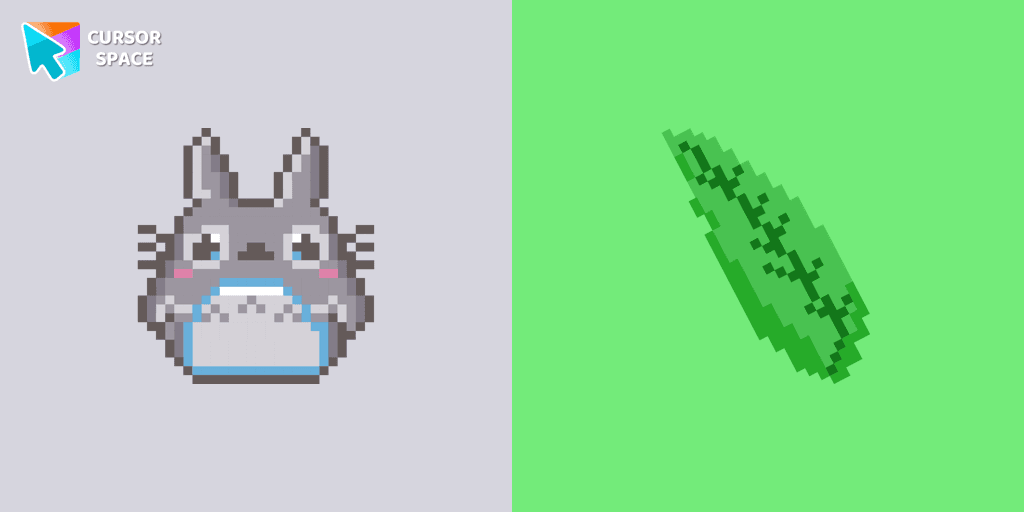
Totoro is a big, furry, cute, funny, and kind gray creature, the keeper of the forest invisible to adults, an anime movie character now in our Cute Pixel custom cursors collection for Chrome.

Custom cursor with My Melody and ice cream as a hover in a set of Cute Pixel cursors for Chrome.
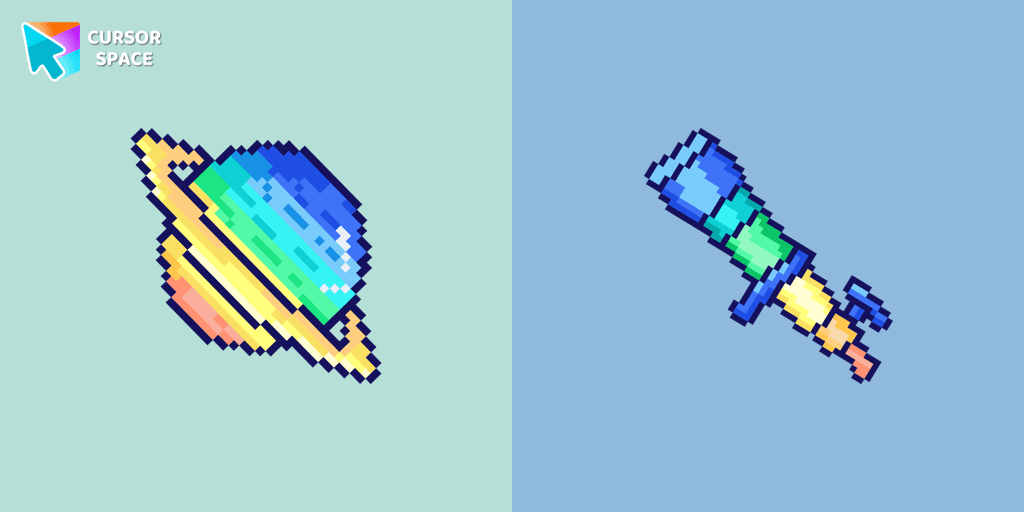
Saturn Pixel custom cursor from our Cute Pixel cursors collection for mouse and pointer.
Add packs instantly and unlock access to thousands of cursors: neon, anime, pixel-art, and more. Fast, safe, and free.
Cursor Space is an extension for changing your mouse cursor in Chrome and Edge browsers: themed collections, HiDPI icons, neon, animated, and pixel cursors, with quick installation.